Here a brief steps to add calendars to Owncloud and then Thunderbird
- Download calendar from website in ical format and save it to your hard drive
- Import Calendar into Owncloud
- Owncloud manual
- Login to Owncloud account
- goto files tab
- select a folder to import a calendar
- click on the upload arrow at the top of then page
- a new window will appear and select your ical calendar (has a .ics extension, example: US-holidays.ics)
- The new file “US-holidays.ics” should now be visible in the files tab
- click on the “US-holidays.ics” file name
- a new dialog box appears “Import a calendar file”
- at “Please choose a calendar”
- select “create a new calendar”
- type in calendar name
- choose a color for the calendar
- select the box “Remove all events from the selected calender”
- click button “import”
- at “Please choose a calendar”
- a new dialog box appears “Import a calendar file”
- Adding a Calendar to Mozilla Lightning calendar application
- https://support.mozilla.org/en-US/kb/adding-a-holiday-calendar?esab=a&s=adding+a+calendar&r=0&as=s
- Open Mozilla thunderbird and open the calendar tab
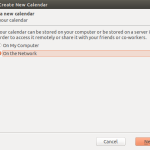
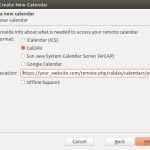
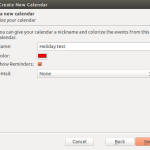
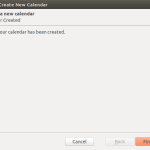
- from the menu select File|New|Calendar and follow the pictures below